After 40+ years helping thousands of contractors with diamond tools, one of the most common jobsite complaints I hear is:
“My blade is burning the material instead of cutting it.”
If your blade is leaving burn marks, smoke, or discoloration, something is wrong with the cutting setup.
The good news is most of these problems are easy to fix in minutes.
WARNING SIGNS;
1. The Blade Is Glazing Over
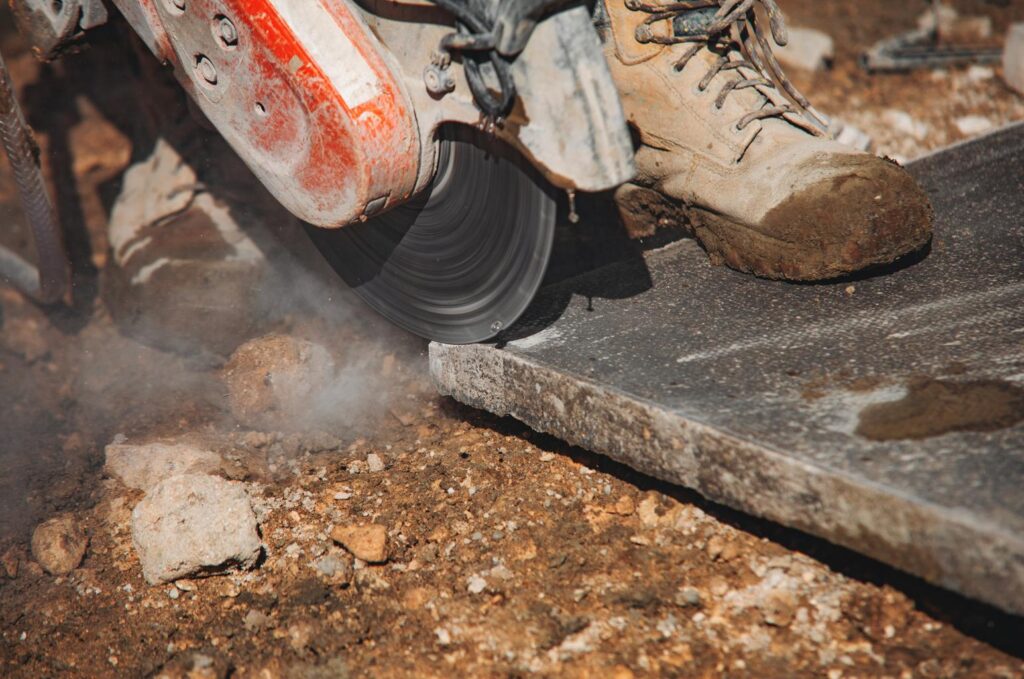
When cutting very hard materials like:
- cured concrete
- porcelain tile
- hard brick
- stone
the metal bond around the diamonds can become polished smooth.
When this happens, the blade stops exposing new diamonds and begins rubbing instead of cutting.
Fix
Cut into an abrasive material like:
- asphalt
- concrete block
- sandstone
- a dressing stone
This opens the bond and exposes fresh diamonds.
Contractors call this “waking up the blade.”
2. You’re Running the Blade Too Fast
Many grinders and saws run higher RPM than the blade is designed for.
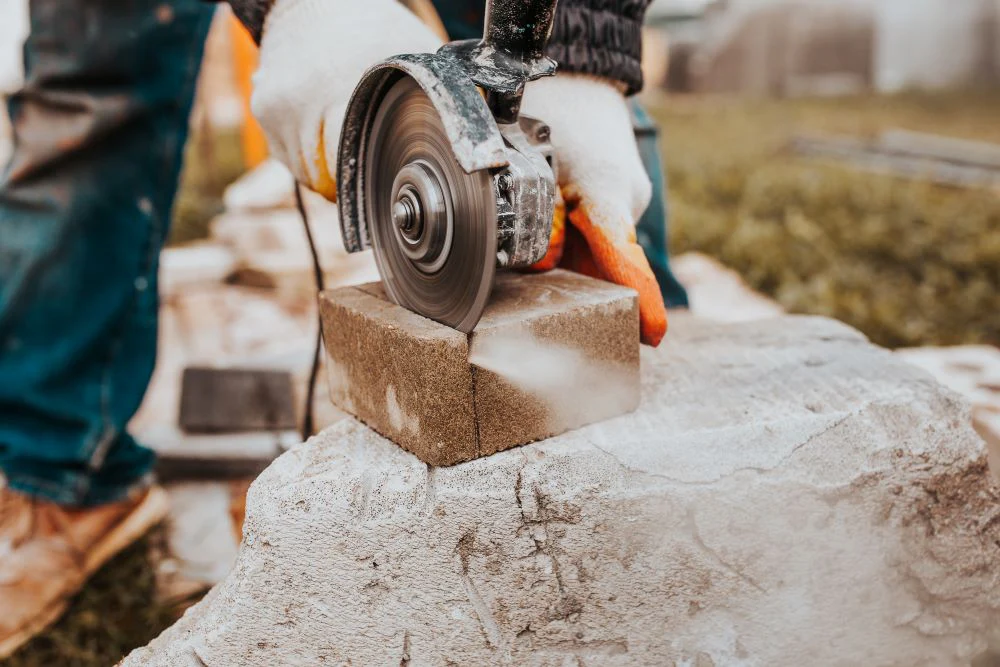
Excessive speed creates:
- heat
- friction
- burn marks
- premature blade wear
Fix
Always check:
- Max RPM printed on the blade
- Arbor size
- Correct saw type
Running a blade too fast is one of the fastest ways to destroy it.
3. You’re Cutting Too Hard
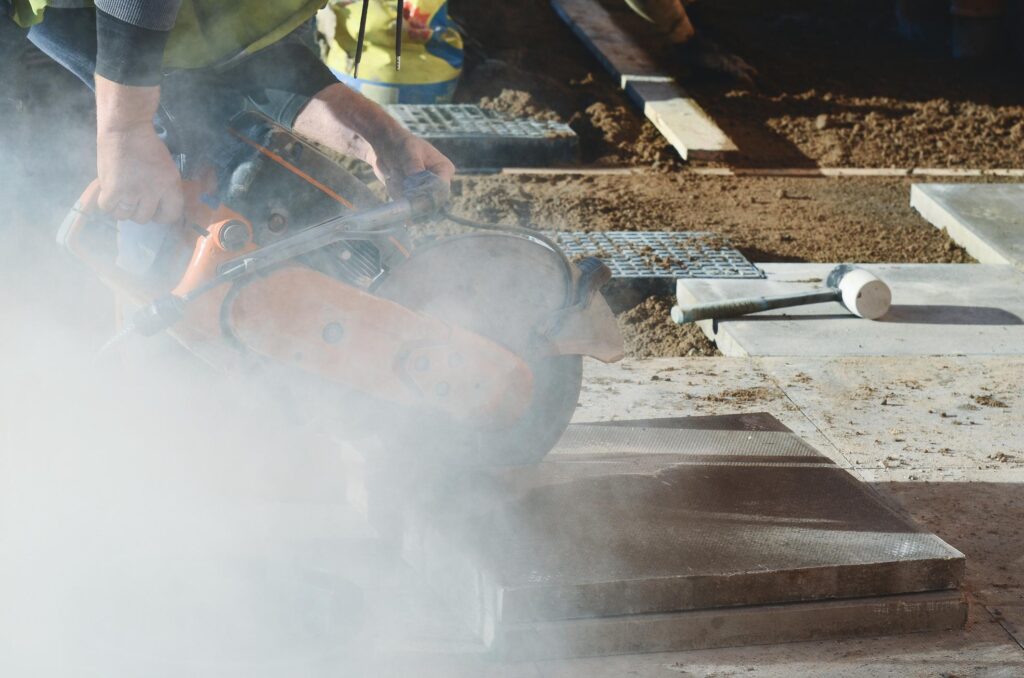
Many contractors push the saw too aggressively.
When this happens:
- diamonds can’t cut efficiently
- friction builds
- heat increases
- material burns
Fix
Let the blade do the work.
A properly matched blade should pull itself through the material.
4. The Blade Is the Wrong Type
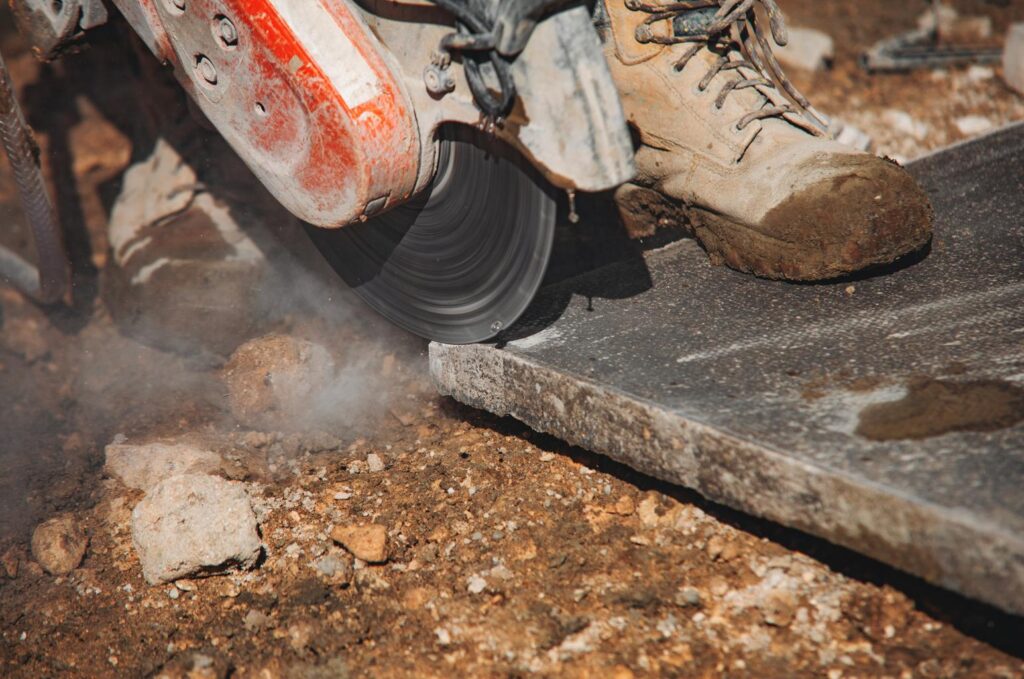
Not all diamond blades are the same.
Using the wrong blade causes heat buildup and burning.
Examples:
Concrete blade used on:
- asphalt
- hard brick
- porcelain tile
Tile blade used on:
- concrete
- block
Fix
Always match the blade to the material:
- Soft bond blades → hard materials
- Hard bond blades → abrasive materials
5. You’re Cutting Dry When Water Is Needed
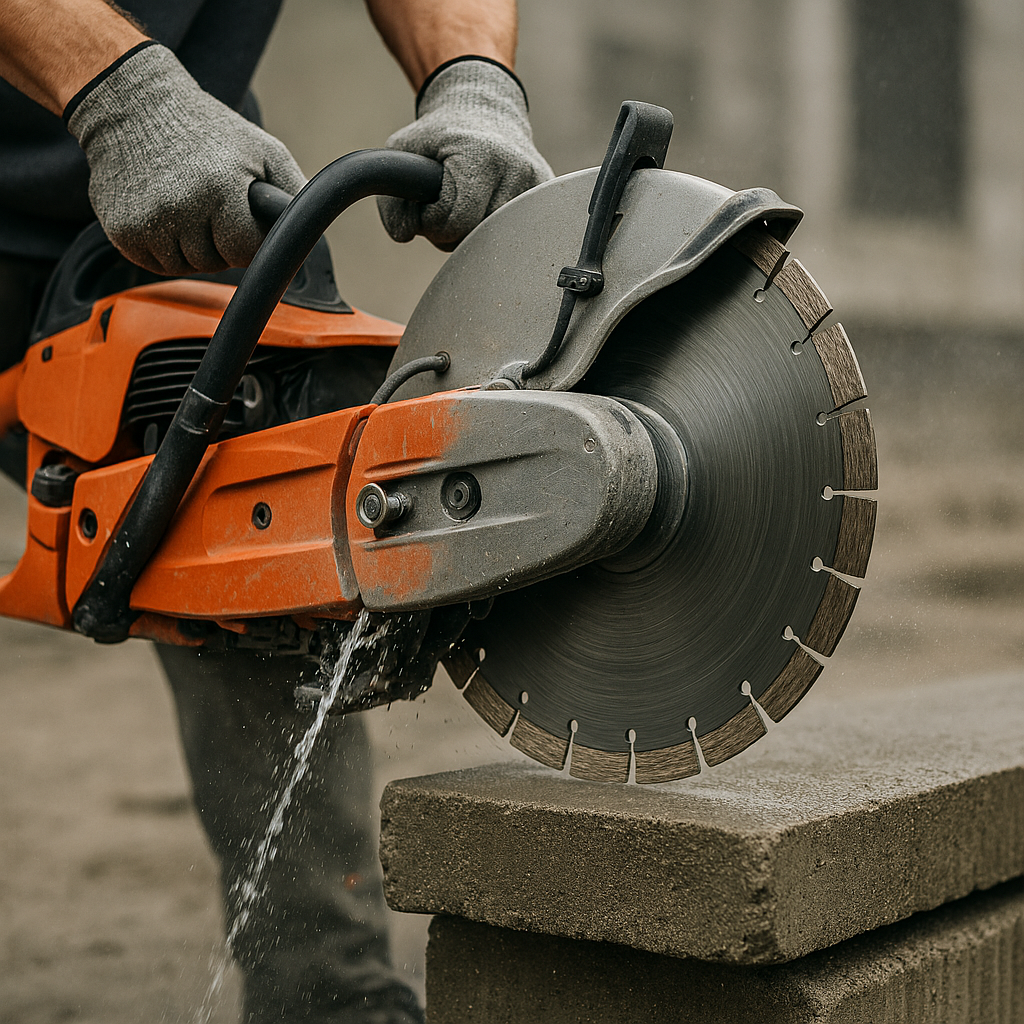
Dry cutting works for many materials, but some cuts generate extreme heat.
Water helps by:
- cooling the blade
- removing slurry
- reducing friction
Fix
Use wet cutting whenever possible for:
- porcelain
- stone
- hard concrete
- continuous rim blades
Quick Jobsite Checklist
If your blade is burning material:
✔ Dress the blade
✔ Check RPM rating
✔ Use the correct blade type
✔ Reduce cutting pressure
✔ Use water if possible
Final Tip From BladeGuy
After helping contractors for decades, I’ve learned something important:
Most diamond blade problems are not blade problems.
They’re usually caused by:
- wrong blade choice
- incorrect speed
- poor cutting technique
Fix those and your blades will cut faster, last longer, and save you money.
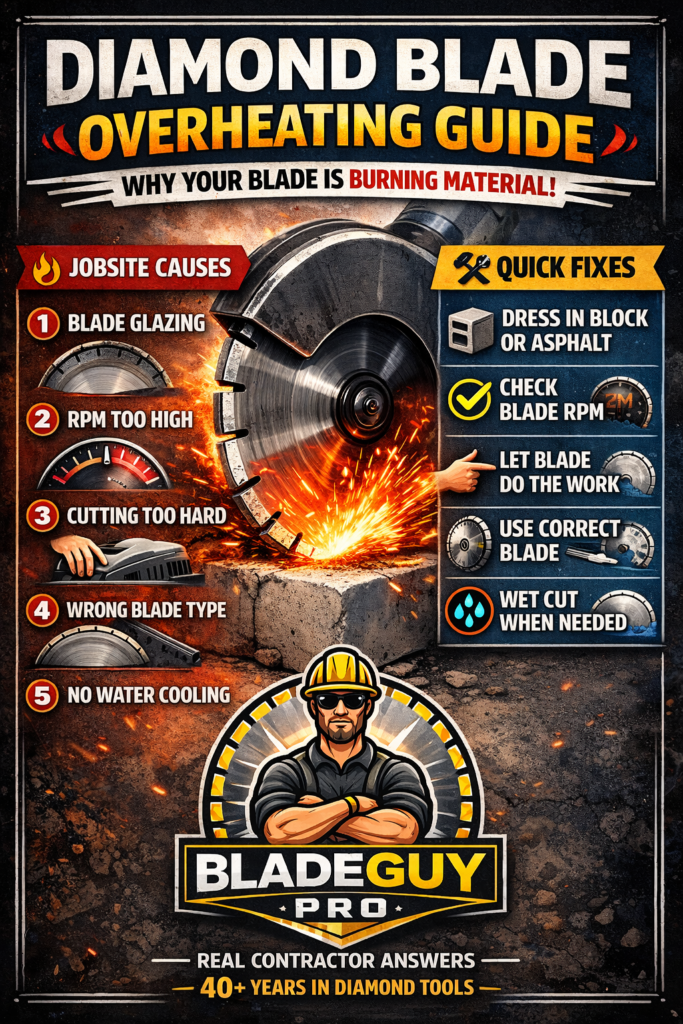
WHY YOUR DIAMOND BLADE IS BURNING MATERIAL
🔥 5 Jobsite Causes
1️⃣ Blade Glazing
2️⃣ Saw RPM Too High
3️⃣ Cutting Too Hard
4️⃣ Wrong Blade Type
5️⃣ No Water Cooling
Quick Fixes
✔ Dress the blade in block or asphalt
✔ Match blade RPM to saw
✔ Let blade do the work
✔ Use correct blade bond
✔ Wet cut when possible
bladeguypro.com/
“Real Contractor Answers From 40+ Years in Diamond Tools”
Nice